18. Payroll Run
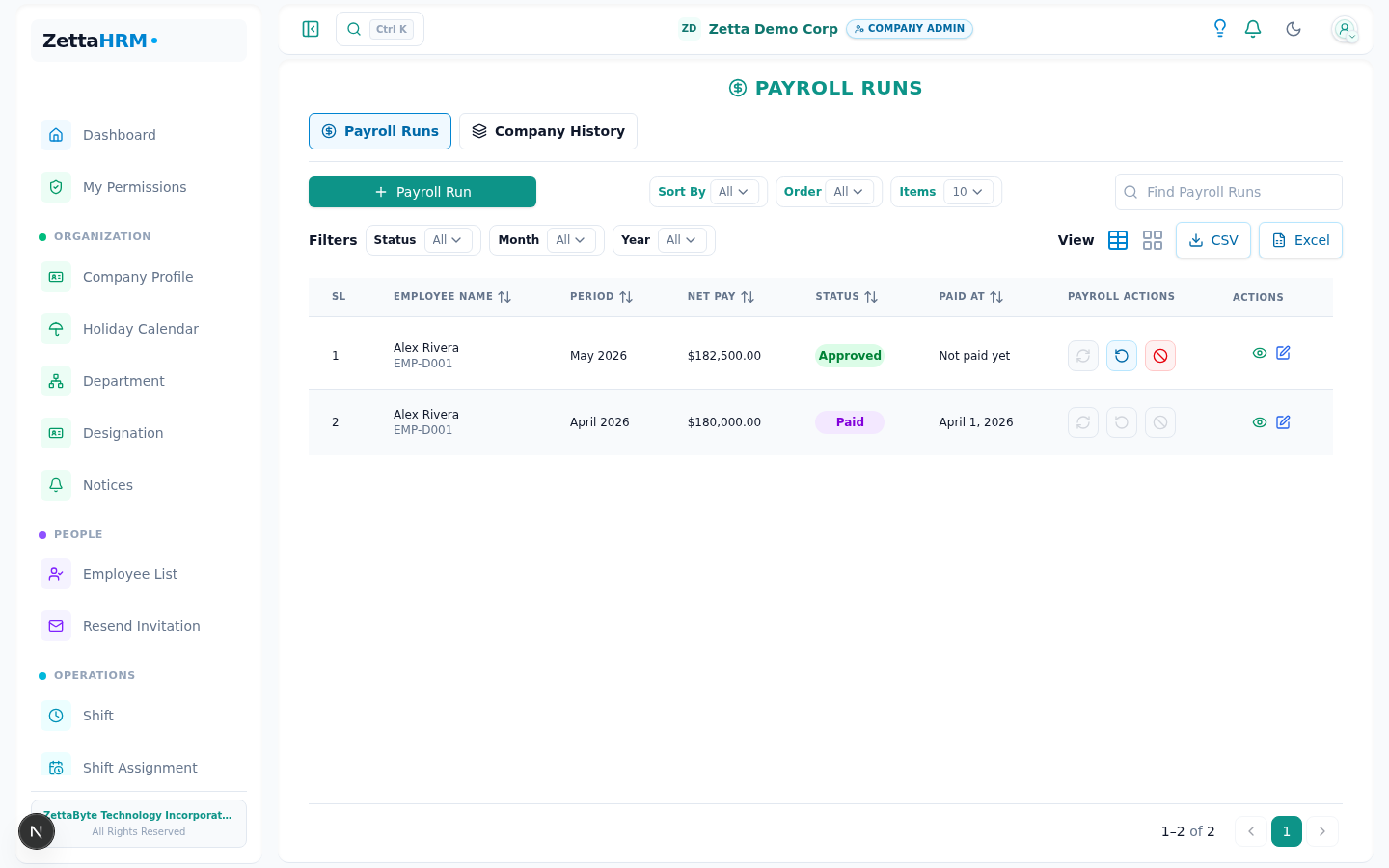
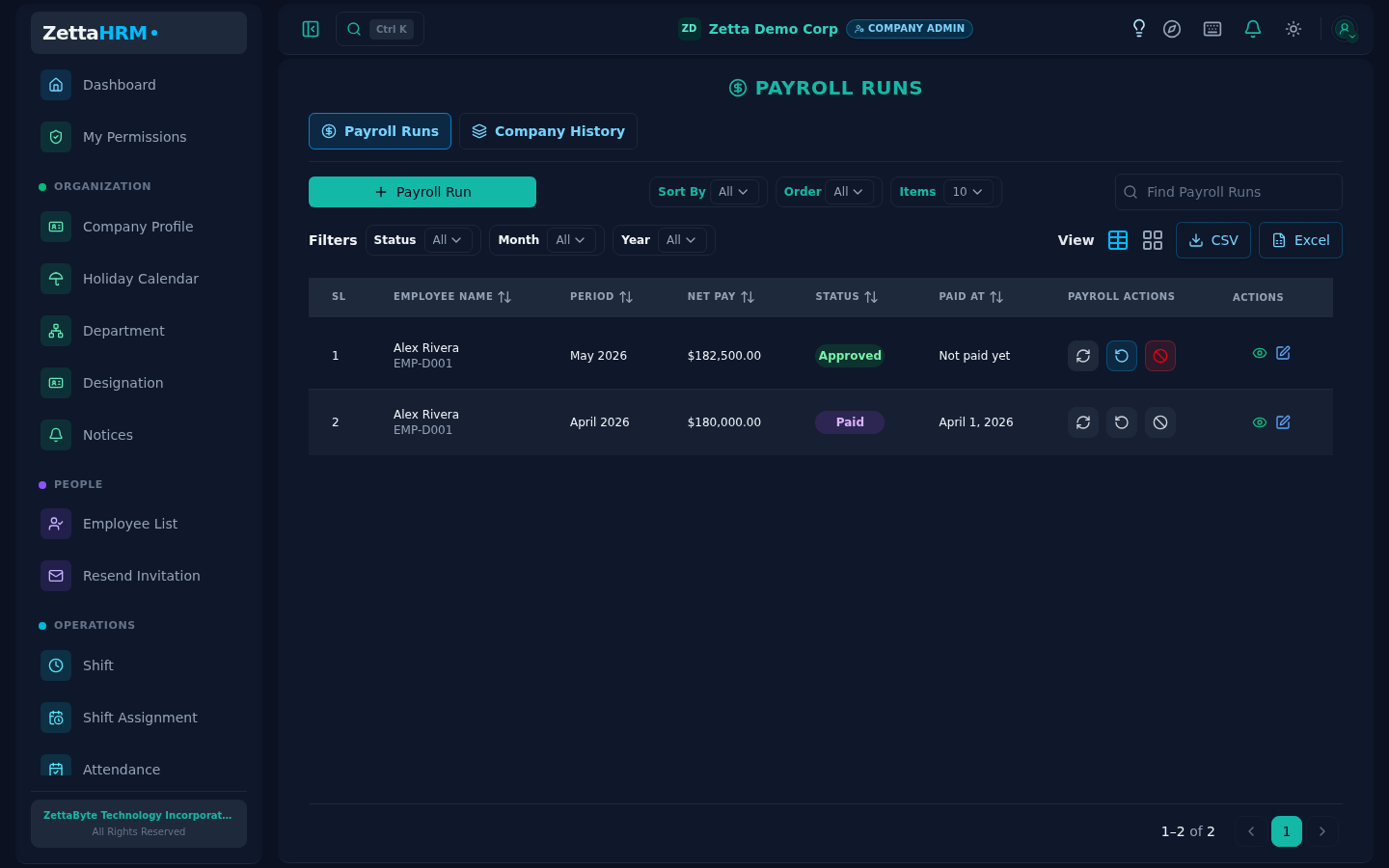
Story
Month-end arrives, and Sarah carefully begins the payroll process because even small mistakes could affect employee trust and financial accuracy.
The system now combines attendance, salary structures, overtime, deductions, taxes, loans, and contributions into finalized payouts for every employee.
Happy Path
Payroll is generated, reviewed, approved, and finalized successfully while all salary calculations and deductions are processed automatically.
### Where attendance shows up on a payslip
The month's attendance reaches the payslip as at most three deduction lines, produced by the policy's deduction rules (Chapter 11) rather than by attendance itself.
A rule that is switched off produces no line at all, which is the same thing an employee sees when the rule simply found nothing to deduct. If a deduction looks wrong, the question is which rule produced it — the policy's rule list is where it is answered, not the attendance sheet.
- Admin starts payroll for the selected month
- System calculates salary, overtime, deductions, taxes, contributions, and loans automatically
- Draft payroll is reviewed and adjustments are added if needed
- Payroll is approved for payout processing
- Employees are marked as paid and payslips become available
- Late Deduction — one line for the whole month, combining the late bands and the late marks that added up to a day
- Absent Deduction — one line covering absent days, days with no attendance recorded, and half of each half day
- Unpaid Leave Deduction — one line for approved leave whose type is unpaid
Failure Modes
| Failure | What the user sees | What happens next |
|---|---|---|
| Payroll already exists for the selected period | Duplicate payroll run rejected | Use adjustment flow or wait for next payroll cycle |
| No employees have configured salary structures | "Add salary structures first" | Configure salary structures before rerunning payroll |
| Employees missing attendance records or bank details | Employees flagged with payroll warnings | Fix missing information or continue with review |
| Employee has unapproved overtime entries | Overtime excluded or payroll blocked based on policy | Approve overtime before payroll processing |
| Salary structure effective date starts after payroll period | Employee excluded from payroll generation | Correct effective dates in a future payroll cycle |
| Tax or contribution calculation fails for an employee | Employee payroll record flagged for review | Resolve calculation issue while payroll continues for others |
| Employee joins or separates during the payroll month | Payroll calculated using prorated salary rules | Review prorated calculations before approval |
Edge Cases
| Scenario | Behavior | Why |
|---|---|---|
| Payroll includes arrears, bonuses, or reimbursements | Additional adjustments are included in employee net pay | Supports consolidated payroll payouts |
| Employee has active loan installments | Loan deductions are automatically subtracted from payroll | Maintains loan repayment consistency |
| Employee net pay becomes zero or negative after deductions | Payroll record is flagged for manual review | Prevents risky or invalid salary payouts |
| Historical payroll correction is required after finalization | Correction is handled through manual adjustment in a future payroll cycle | Preserves payroll audit integrity |
| A deduction waiver is granted for one employee for one month | The late or absence line is never created for that run | The amount is excluded before tax is worked out, rather than deducted and refunded afterwards, so the tax stays correct |